Built for the moment
Get there faster
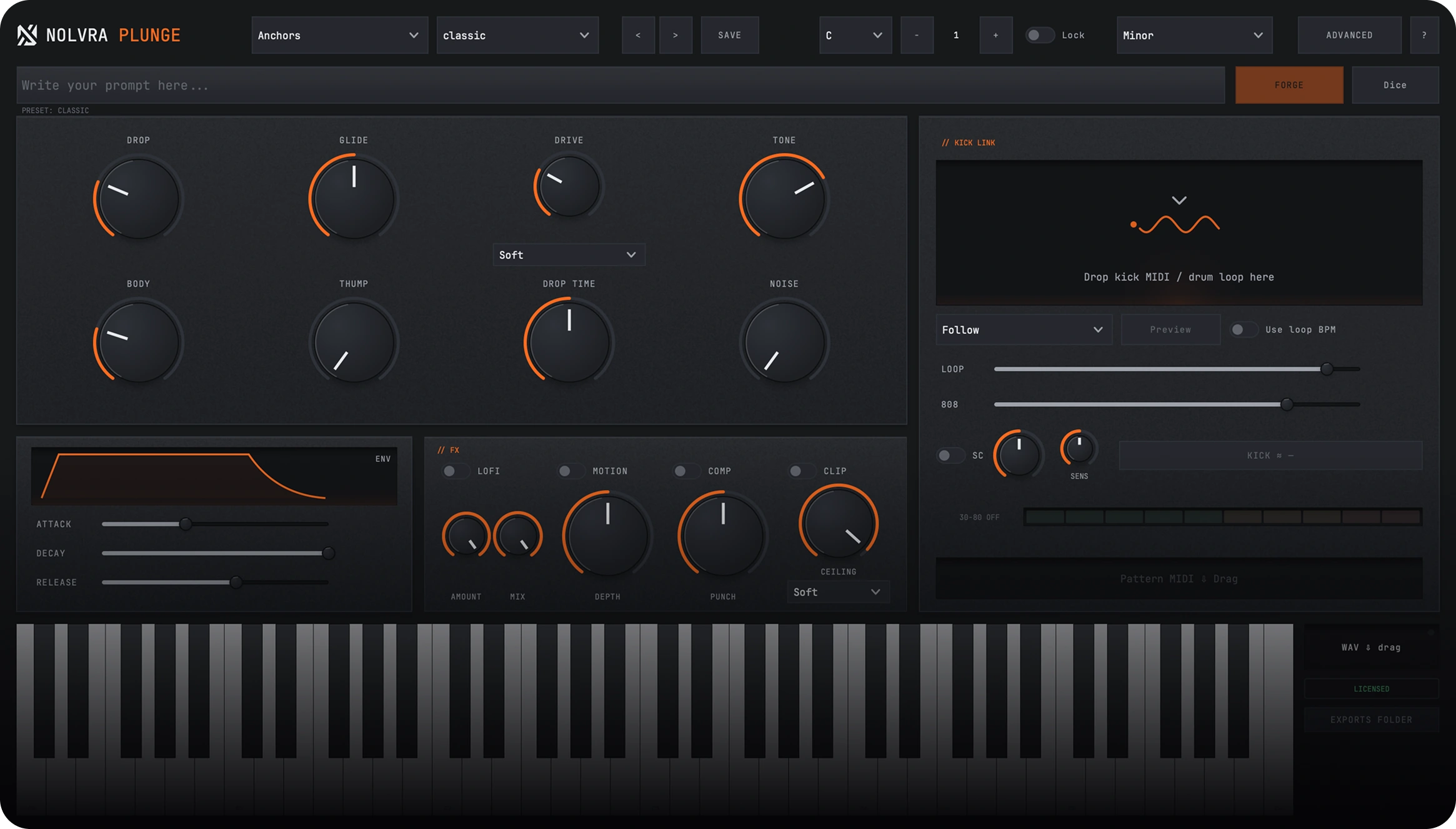
Plunge keeps the whole transition workflow in one focused browser.
Choose the move
Risers, sweep-downs, and sub drops stay one click apart.
Match the session
Pick 2, 4, or 8 bars and let Plunge follow the project tempo.
Place the payoff
Hit peak to hear the landing point, then drag the sound into your DAW.
Browse
Find the right move
Start with intent, not filenames. Choose a direction, filter the character, and audition without leaving the browser.
- Sweep upBuild tension into the next section
- Sweep downRelease energy and clear the transition
- Sub dropsAdd weight exactly where the impact lands
Place
Lock the timing
Keep the sound in sync from first audition to final placement.
- Session syncEvery sound follows the project tempo
- Peak previewHear the exact impact before you commit
- Drag to DAWMove the chosen sound into the arrangement
Product details
Technical specs
The practical details, organized for a quick scan.
Library
Sound bank
- DirectionsSweep up/
sweep down - CharactersClean/
tonal/ cinematic - Lengths2/
4/ 8 bars
Workflow
Session ready
- TempoFollows the session
- BrowserShuffle/
favorites - PreviewPeak audition
- ExportDrag to DAW
Output
Plugin formats
- FormatsAU/
VST3 (macOS) · VST3 (Windows) - Architecture64-bit
- ProductSweep & sub bank
Platforms
System support
- macOSApple Silicon + Intel
- WindowsVST3
- ManagerNolvra Hub
- UpdatesThrough Hub
Setup flow
From checkout to session
A few clear steps, then Plunge is ready inside your DAW.
Purchase
Complete your purchase and receive instant access to your digital product.
Download
Download your files directly from your order confirmation or account dashboard.
Install & create
Install the files and start creating amazing content right away.
FAQ
Before you buy
What formats are supported?
AU and VST3 on macOS, VST3 on Windows. One license covers both — your activations can be any mix of Mac and Windows machines.
Do I need the Hub installed?
Yes — the Hub handles your account, licenses and downloads. Install it once, sign in, and every Nolvra product flows through it.
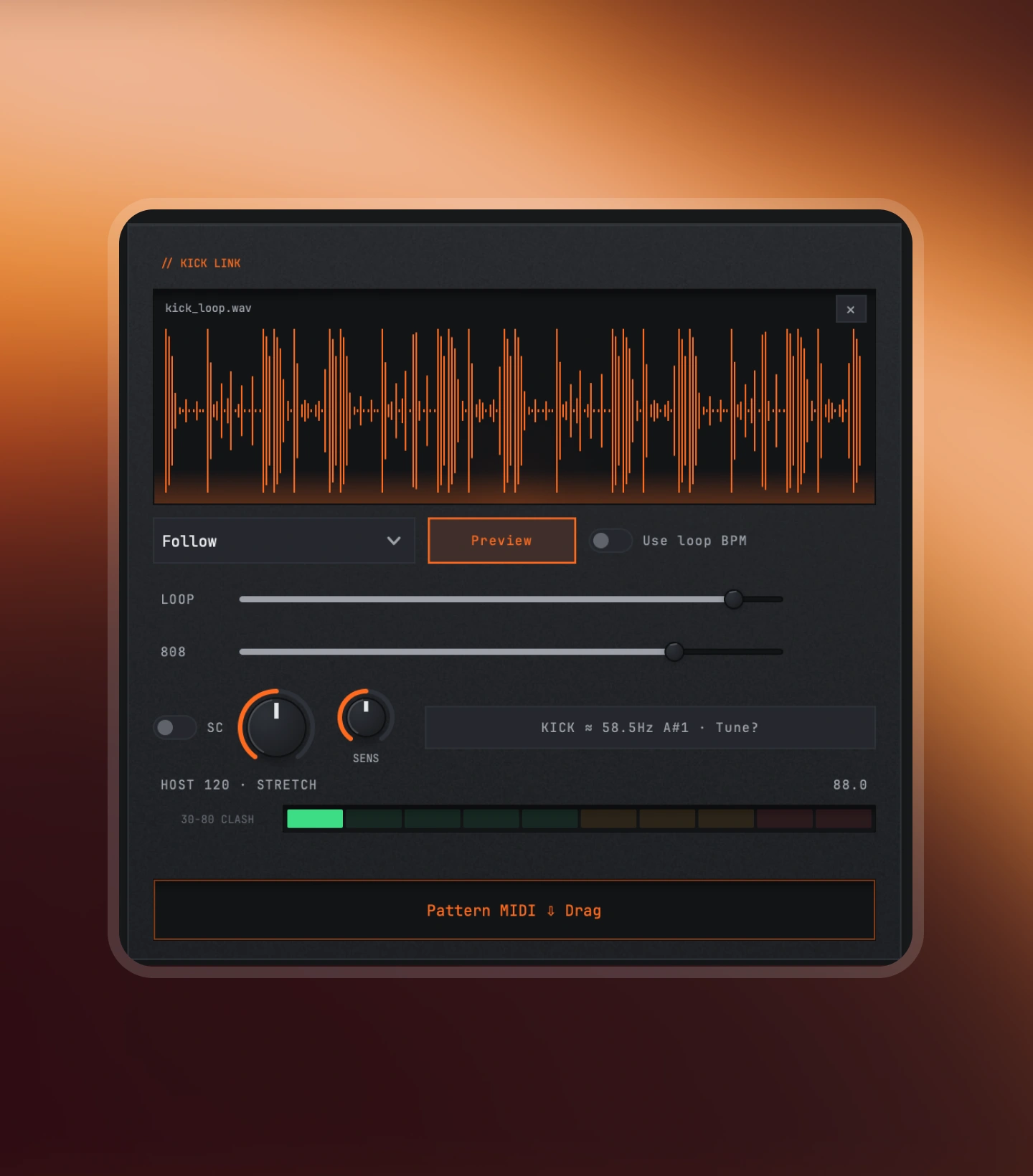
Does PLUNGE work with my kick?
Yes. Drop your kick in, and PLUNGE locks the 808 around it — sidechain shaping and kick-aware timing are built in.
How many presets are included?
349 factory presets across trap, plugg, phonk, reese and club styles — plus a dice engine that rolls new 808s on demand.
Start with Plunge
Make the next section hit
Get the complete sweep and sub bank, ready inside Nolvra Hub.
$69